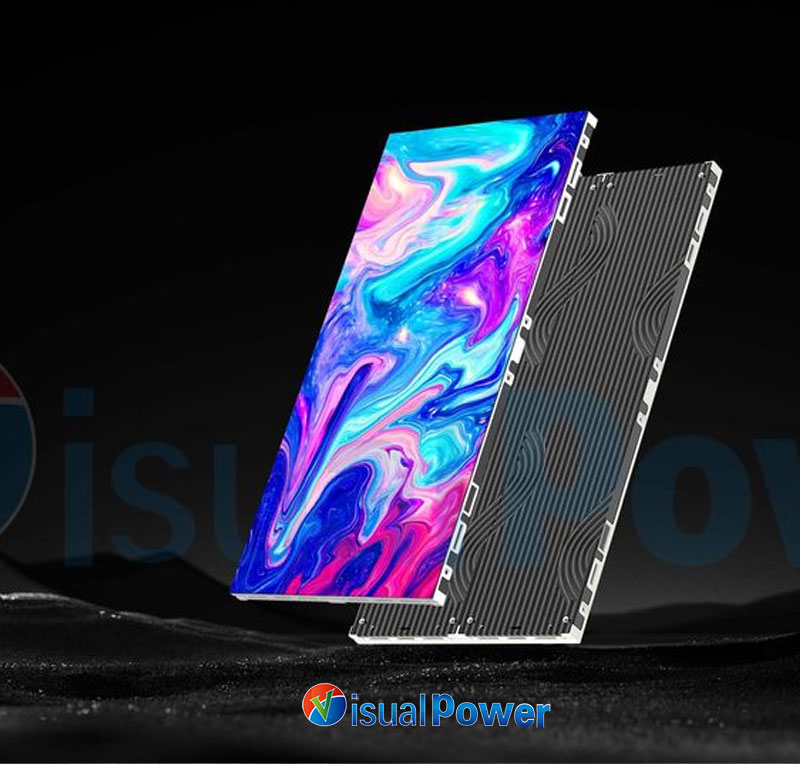
The first time I saw a wallpaper-style ultra slim LED display, it was at a friend’s studio. Instead of a TV, the entire wall was a luminous ultra slim LED display almost flush with the surface—clear, bright, and immersive.I was immediately attracted by it. Unlike traditional stitched ultra slim LED displays which have gaps, nor is it affected by indoor lighting like projectors – it looks stable both during the day and at night. After that experience, I knew I wanted to try it in my own home and small-scale projects.
What I pay attention to when picking one
Since I actually use these ultra slim LED displays, I’m not one to get lost in all the technical specs. I care about what it looks like, how it works in real life, and how much hassle it brings. Here’s what I focus on before making a choice:
1. Matching viewing distance and clarity
I always start by measuring the distance from where I sit to the ultra slim LED display. In a meeting room, I check the farthest seat to the wall. Pixel pitch determines whether the eye can see individual pixels: too wide and it looks grainy up close; too narrow and costs and maintenance go up. My simple approach is: Choose the pixel pitch based on the seating position. If the seats are close together, select a finer pitch; if the seats are farther apart, you can make the pitch a little looser.
2. Ease of maintenance
I have a strong aversion to that kind of installation method where everything is tightly sealed inside the wall – even a minor malfunction requires the entire thing to be taken down. In real life, LED beads can fail or power modules can act up. I prefer solutions that allow modular replacement and include maintenance access, whether from the front or rear.
3. Camera friendliness
I’m not a professional cameraman, but I often have to shoot events and presentations. I’ve seen ultra slim LED displays show stripes and flicker on camera, which is extremely frustrating. I will always do test shots to ensure that the ultra slim LED display can achieve a high refresh rate and the driver is stable – otherwise, there will be flickering or frame drops when the video is captured.
4. Balancing thinness with practicality
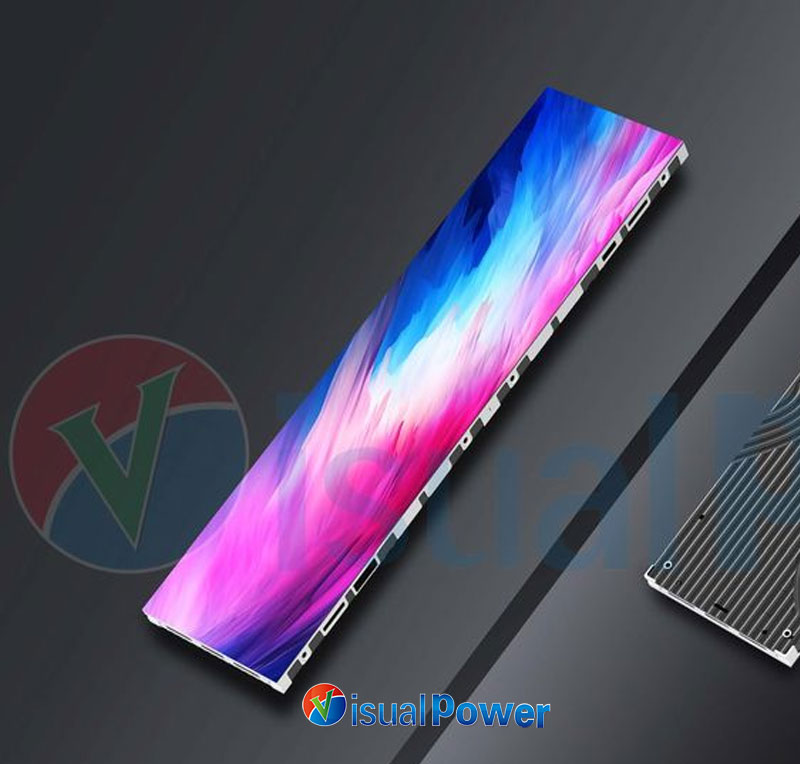
I like a minimalist, clean look, but going ultra-thin can complicate wiring and heat dissipation. My principle is: It should be thin enough to look good, but not so thin that it compromises reliability. I try to keep the ultra slim LED display close to the wall visually, but always leave room for airflow and cooling behind it.
Key steps I handled or oversaw
While renovating a client’s meeting room, I personally checked every step from layout to delivery. These are the things I’ve found to be essential, in the order I usually handle them:
Mark maintenance openings in advance
Mark the maintenance openings on the wall in advance. Before sealing the wall, accurately draw the positions of the maintenance openings and the wiring locations – this way, if there are any issues with the modules in the future, the entire wall won’t have to be dismantled.
Segmented power supply
Zone power supply (with proper marking). I requested the electrician to divide the power supply into marked areas. If a part of the ultra slim LED display becomes dim or stops working, it will be easy to find the correct circuit without having to turn off the entire panel.
Reserve temperature monitoring points
I reserve spots for temperature probes behind the ultra slim LED display and recommend connecting them to a simple alarm system. I once had an ultra slim LED display overheat because the back was too enclosed, which shortened its lifespan. Having the temperature monitoring in place ended up saving me a bunch of headaches later.
First on-site color calibration
Don’t believe that the color calibration done by the manufacturer at the factory is completely reliable. On day one, I do a basic color and brightness adjustment with the tech team. Even a rough calibration helps avoid obvious color differences once it’s running.
Camera test
For any project that can be filmed or live-streamed, I will shoot it both with my mobile phone and a professional camera; if there are flickering lines or stripes, I will adjust the driver refresh rate or switch to a different scanning method.
Pitfalls I’ve run into (and how I avoid them)
1. Size and content mismatch
I once installed an ultra slim LED display that was wider than what was specified in the room design. As a result, the content ended up being stretched because the aspect ratio didn’t match. Now I confirm the final resolution and make all design drafts in pixel units before installation.
2. Blind pursuit of ultra-thinness
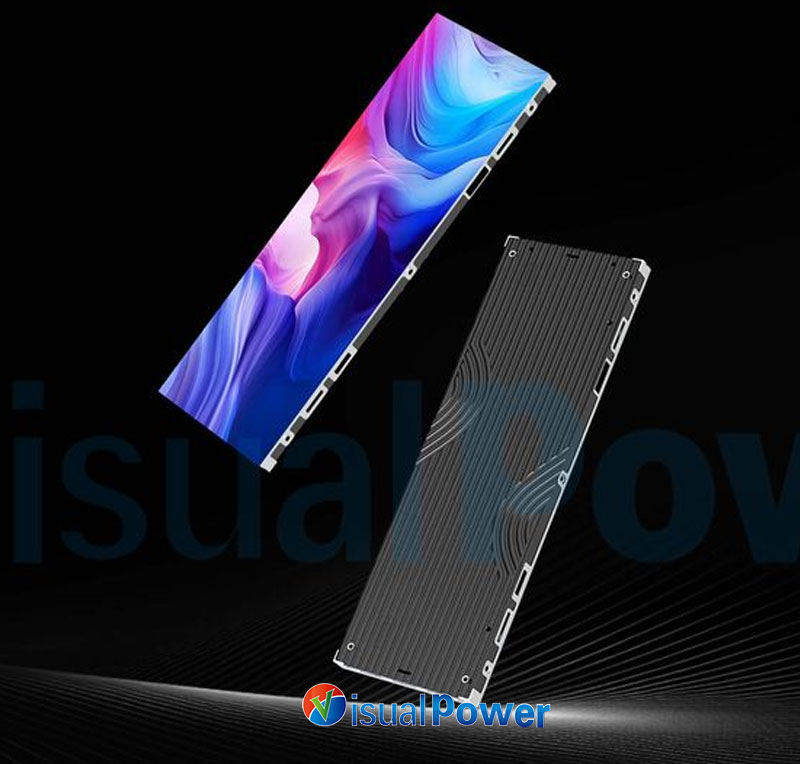
In a commercial project, the design team wanted the back fully sealed for aesthetics. When a module failed, we had to remove the entire unit—time-consuming and costly. I now insist on at least one hidden maintenance opening. It’s better to sacrifice a little bit in terms of appearance than to have to deal with the hassle of repairs. I think it’s worth giving up a little bit of looks for the sake of practicality.
3. Ignoring ambient light
I installed an ultra slim LED display near a sunny window once. In the daytime, the contrast dropped a lot. Now I always consider natural light and, if needed, either add shading or choose a brighter panel.
Content production: tweaks I make for better results
A lot of people put in big ultra slim LED displays but still use content that was made for TVs or projectors. The results often fall short. My approach is:
- Export at target resolution: All my visuals are first rendered at the ultra slim LED display’s resolution to avoid scaling blur.
- Control extreme bright and dark areas: Big black or white areas can be tricky for LEDs. I use soft gradients or mid-tones instead.
- High-frame-rate material for live use: For synchronized animations, I set frame rates to 60 FPS or higher to match the ultra slim LED display’s refresh.
- Soft proofing with LUT: Before exporting, I map colors to the ultra slim LED display’s approximate gamut to avoid surprises in the final display.
Daily maintenance habits
I treat this ultra slim LED display as a major piece of furniture in my home. These little habits have saved me a lot of trouble:
- Check connections regularly: Every three months, I inspect module connections, data cables, and power plugs.
- Avoid static images for long periods: Constant static images accelerate localized aging. I set the ultra slim LED display to loop low-brightness or protective visuals when idle.
- Seasonal cleaning: If dust accumulates behind the ultra slim LED display, I ask the team to clear it to keep airflow unobstructed.
Thoughts on brands and models
From my point of view, I don’t care about brand slogans. I care about how the ultra slim LED display performs in my setup. Some brands excel in module quality, pixel options, and installation flexibility. For me, the differences in thinness, alignment, and maintenance access are far more useful than any spec sheet.
Conclusion: turning a wall into an ultra slim LED display – my three tips
- Start with your usage scenario, not specs: Decide if you’ll watch movies, attend meetings, present, or live-stream, and align pixel pitch, brightness, and refresh rate accordingly.
- Plan for maintainability during installation: Budgets for maintenance access, segmented power, and temperature monitoring save future operational costs.
- Treat content production as part of the project: Buying the panels is really just the first step. Good content and proper color management determine the final impact.
If you share your room size, viewing distance, or scenario, I can give more precise suggestions—pixel pitch, power segmentation, and even maintenance opening placement. Turning a wall into an ultra slim LED display takes both technical work and creativity. If you do it right, it can completely change a space.



 The LED Displays Everyone’s Asking About in 2026 (And Where They Work Best)
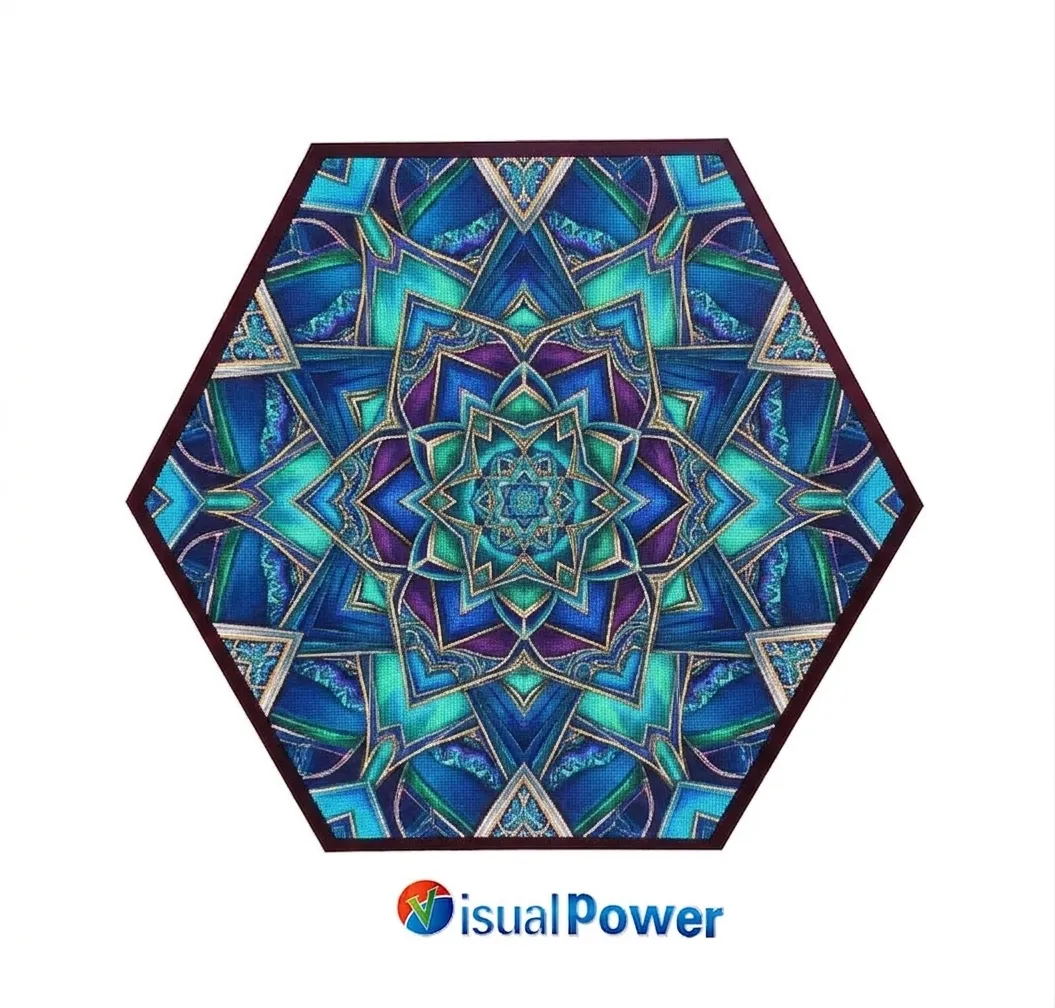 Hexagon LED Display: How Geometric Screens Are Transforming Modern Exhibitions
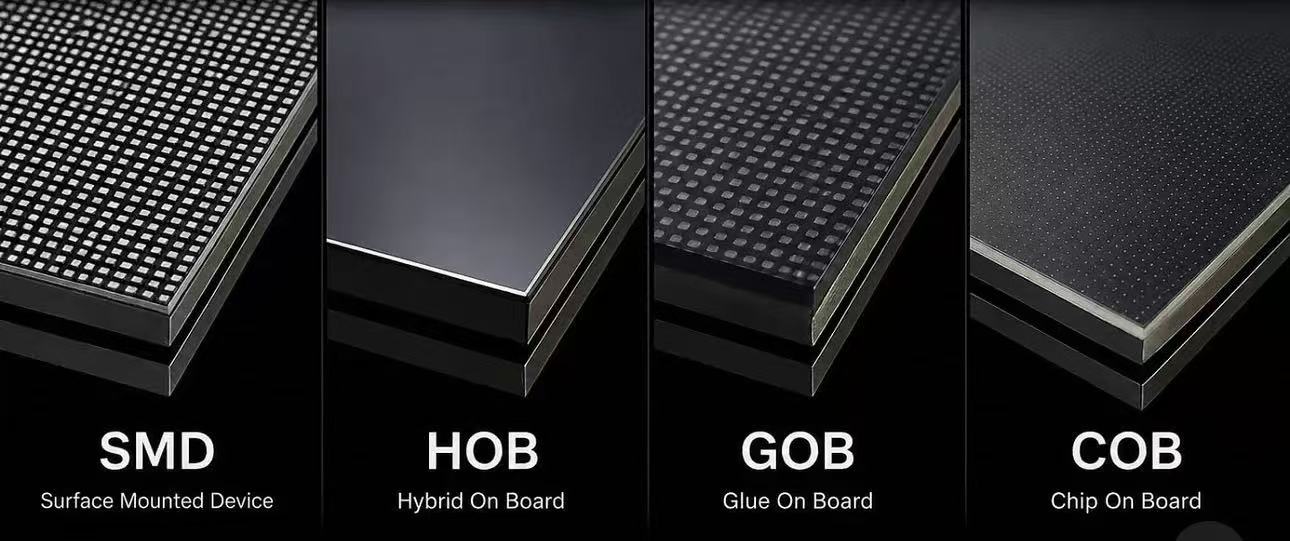 Difference of SMD GOB HOB COB LED display module
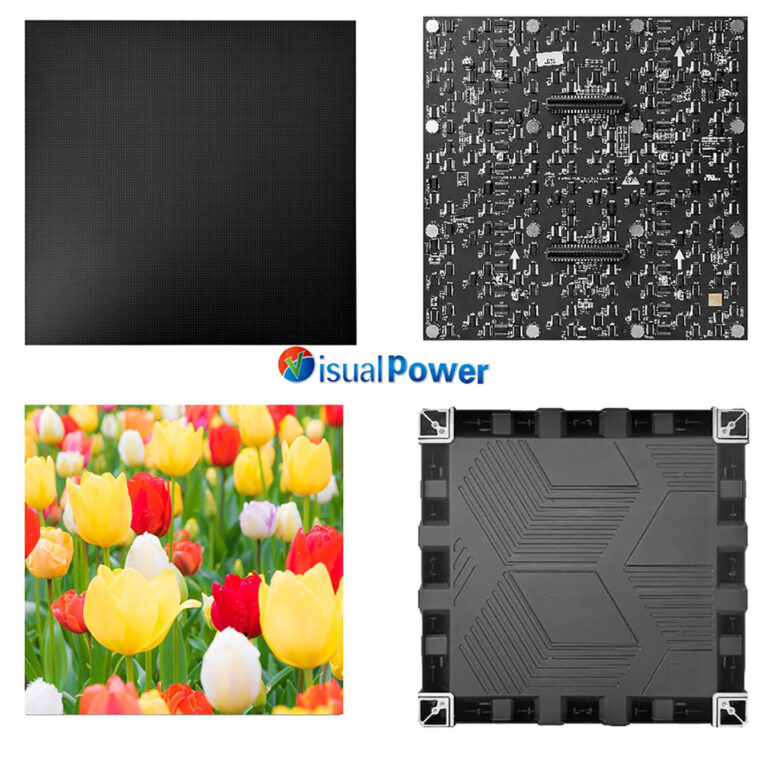 Why Museums Are Turning to Fine Pitch LED Displays for Better Visitor Engagement
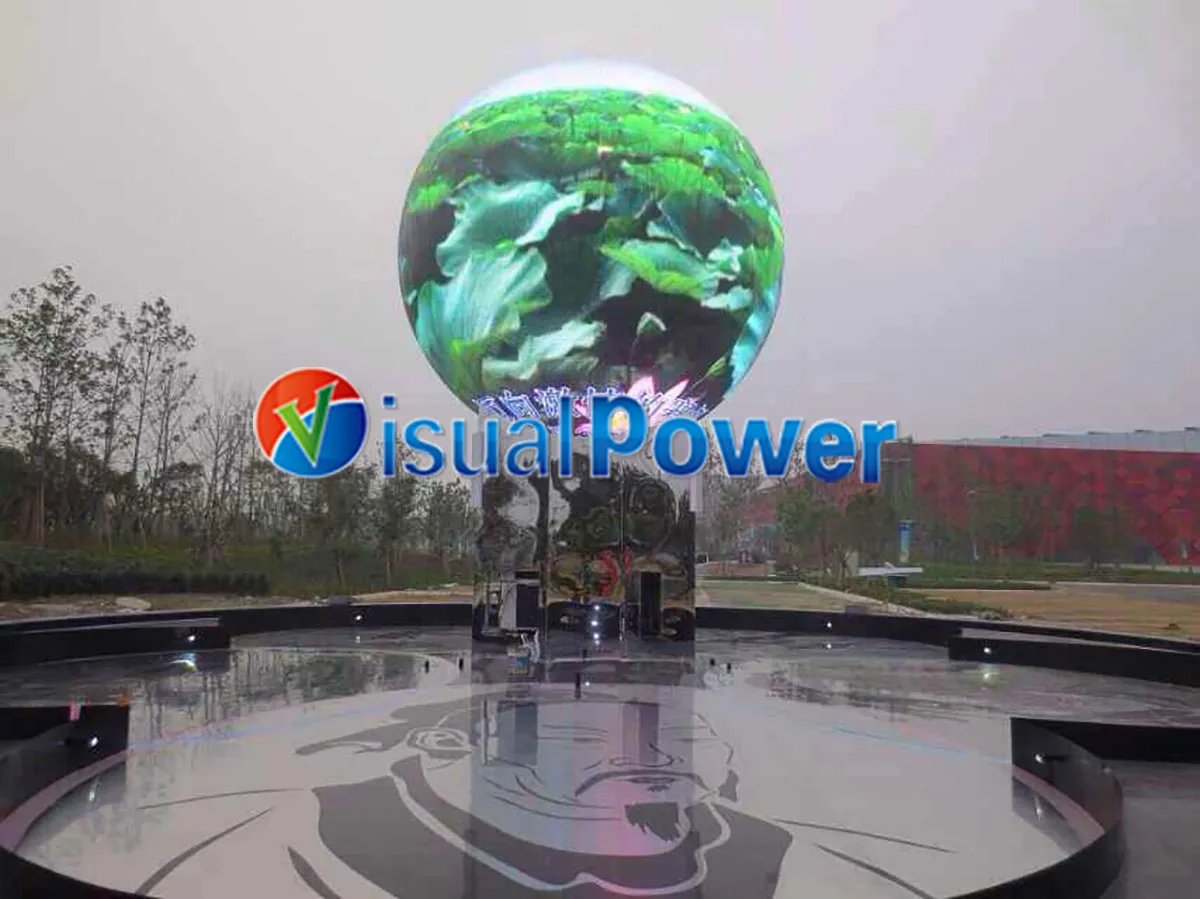 Sphere LED Display Industry Truths: Cost, Content, and Design Risks Explained

 Sales Manager